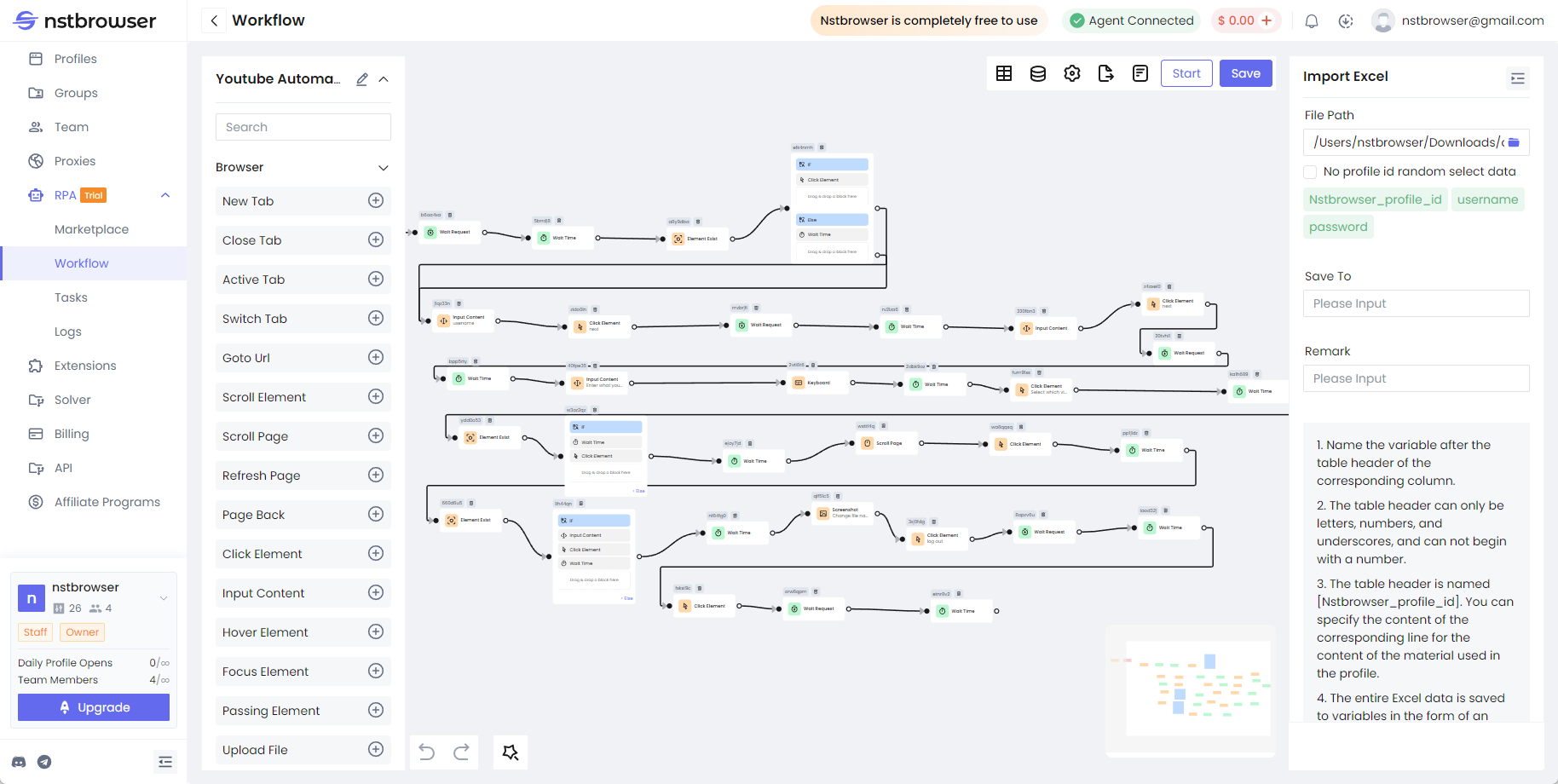
Login and Access YouTube to Search for and Watch a Video
Details
Report Issues
Log in to Gmail, access YouTube, and search for a keyword to find a specific video. Click to play the video, set a specific viewing time, and after that time, like the video and leave a comment. Then, save a screenshot.
How to use and start
- Open the market and find the workflow you need
- Click "Add Workflow" to the workflow list, and then click the "Run" button to enter the editing page to confirm the dynamic configuration item in the process
- On the editing page, click "Start" to start the RPA process and start executing
- At the same time, on the "Working Process" page, click "Creation Plan" to create a regular task or one -time task
- For workflows that export and store data, go to the "Save to Excel" node in the process and change the file path to ensure it works correctly.