🚀

El Proxy de plataforma está activo en Nstbrowser — proxies integrados desde$0.4/GB.

Comenzar ahora

🎁 Descuento sorpresa: ¡Disfrute del 90 % de descuento en su suscripción!

  • Precios
  • Documentación
ES
Contacto

© 2026 NST LABS TECH LTD. ALL RIGHTS RESERVED

Producto

Navegador antihuellas
Nstbrowser RPA
Omisión de Cloudflare
Desbloqueador web

Solución

Navegador antihuellas basado en la nube
Gestión de múltiples cuentas
Raspado web
Detección anti-bots

Recurso

Precios
Descargar
Mercado de RPA
programa de afiliación
Socios
Blog
Notas de lanzamiento

Apoyo

Contacto

Documentación

Legal

Términos
política de privacidad
Política de cookies

ProductoSoluciónRecursoApoyoLegal

ProductoSoluciónRecurso

ApoyoLegal

© 2026 NST LABS TECH LTD. ALL RIGHTS RESERVED

Volver al mercado
Youtube Automatic Play Video2.0
YouTube
rpa.store.updateTime
240
Login and Access YouTube to Search for and Watch a Video
Detalles
Informar problemas

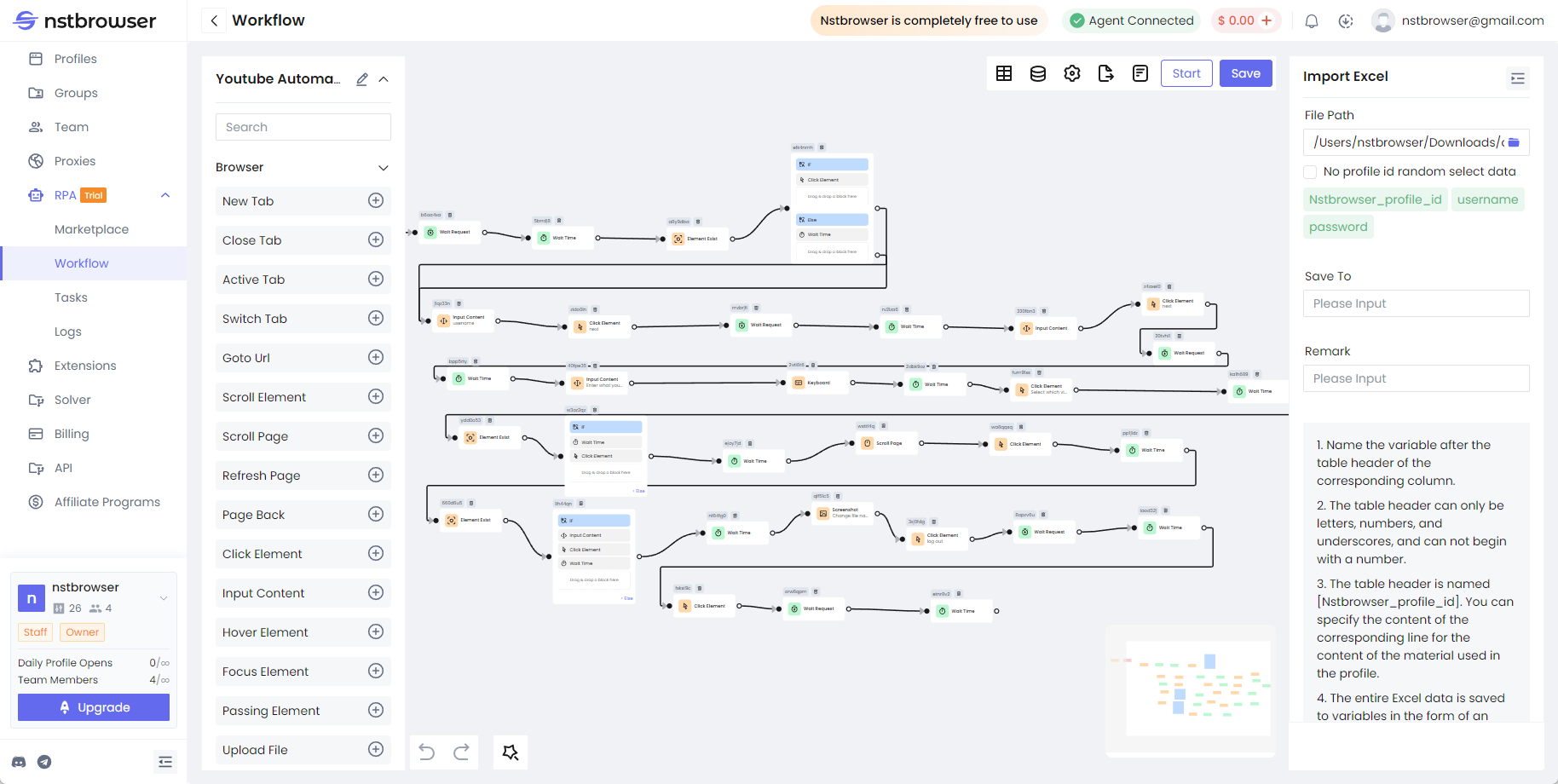
Log in to Gmail, access YouTube, and search for a keyword to find a specific video. Click to play the video, set a specific viewing time, and after that time, like the video and leave a comment. Then, save a screenshot.
How to use and start

  1. Open the market and find the workflow you need
  2. Click "Add Workflow" to the workflow list, and then click the "Run" button to enter the editing page to confirm the dynamic configuration item in the process
  3. On the editing page, click "Start" to start the RPA process and start executing
  4. At the same time, on the "Working Process" page, click "Creation Plan" to create a regular task or one -time task
  5. For workflows that export and store data, go to the "Save to Excel" node in the process and change the file path to ensure it works correctly.
img